

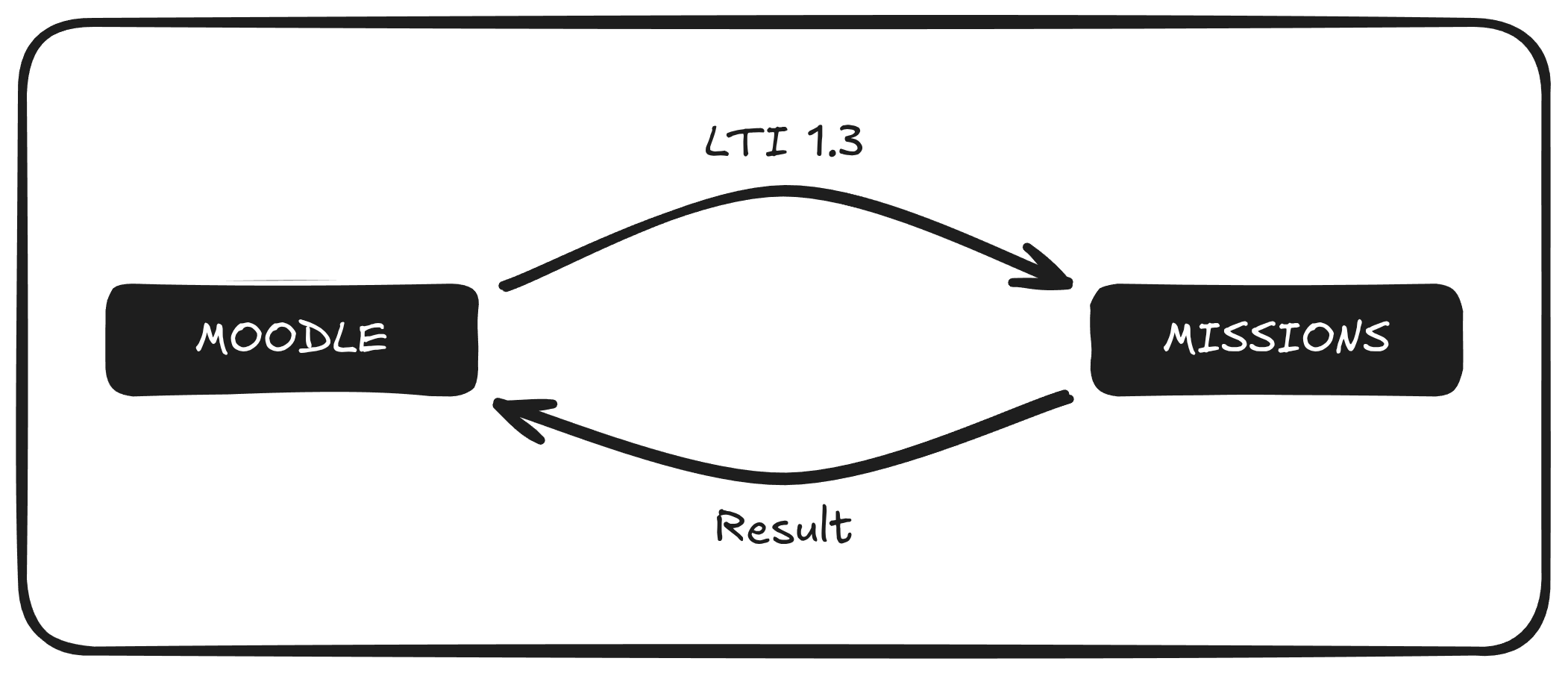
Missions connects with other educational and management systems to ensure an integrated user experience and efficient data management. One of the most interesting use cases of these integrations is the possibility of connecting Missions with an LMS, such as Moodle, through the LTI communication protocol. Although Missions can be used as a completely autonomous platform, it does not seek to compete with other market solutions in terms of student and program management. Integrating Missions with an LMS allows continuing to use that LMS to manage students, while missions become activities within that LMS. In these connections, different data can be shared between Missions and the LMS. For example, Missions could send information about user performance to the LMS so that feedback can be transmitted through the LMS being used (although, if desired, Missions also offers the possibility of sending feedback about a deliverable). Diagram of LTI integration

Technical Features of Moodle–Missions Integration (LTI 1.3)

A robust and standardized connection is established between Moodle and Missions to ensure a smooth and secure user experience.
  • Standard and security: The integration is based on the LTI 1.3 protocol, using OAuth 2.0 and JWT to create an authenticated and secure communication channel. Moodle acts as the main platform (LMS) and Missions integrates as an external tool.
  • Connector: A proprietary library has been developed that allows Missions to communicate via the LTI 1.3 protocol. This allows “missions” to be displayed as activities in Moodle.
  • Bidirectional data flow: The system manages information exchange automatically:
    • Moodle to Missions: Sending student, course and session data.
    • Missions to Moodle: Return of mission completion status.
  • Key benefits: The integration is transparent to the end user and allows traceability of student activity.